 pawlooks
How to organize your cat photos into an album
Updated
Cat photos pile up as many shots of the same pose, so gather them by cat first and keep the best one each month. A pet photo gallery app finds cat photos in your camera roll on the phone and groups them by cat and by age.
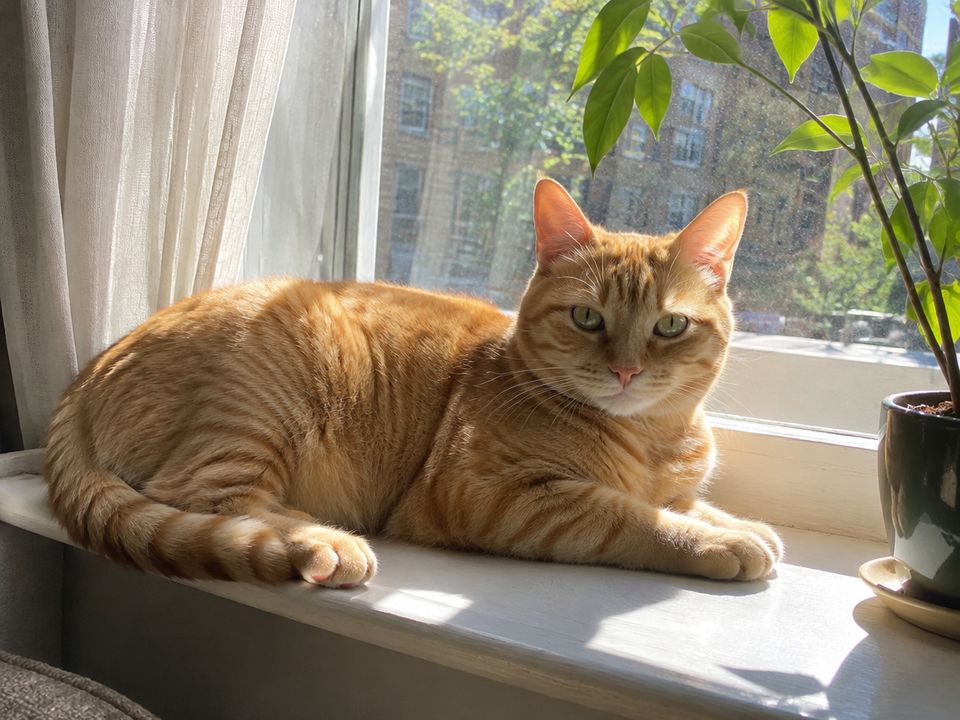
Why cat photos pile up
Cats nap, loaf, and watch the window in moments that look alike, so you take many shots at once. You end up with lots of photos and a hard time finding the ones you want to see again.
1. Group by cat first
With more than one cat, split by cat first. pawlooks finds both dogs and cats and gives each pet their own album. Fix one photo in the wrong place and similar ones are fixed too.
2. Group by age
Kittens change in a matter of weeks. Set a birthday (a rough one is fine) and group by months and years old, and growth becomes easy to see.
3. Keep one photo a month
- Start with photos where the eyes are sharp and the face is visible.
- If there are many of the same pose, keep the sharpest one.
- Keep photos of things that only happened that month, like a first cat tree or a new toy.
pawlooks picks the best photo of each month, so you only swap the ones you want.
How it looks in pawlooks

FAQ
Can it tell apart two cats that look alike?
pawlooks groups photos by pet, and when it mixes them up, fixing one photo fixes similar ones too. Fixing a few in the first days helps it sort better.
Does a cat photo app upload my photos?
pawlooks finds and sorts your cats only on the phone and doesn't send photos to a server to analyze them.