 pawlooks
Multiple pets at home? How to sort photos by pet
Updated
With several pets, sort photos by pet before anything else. Let a pet photo gallery app make a group for each pet, fix only the photos in the wrong place, and merge any pet that was split into two groups.
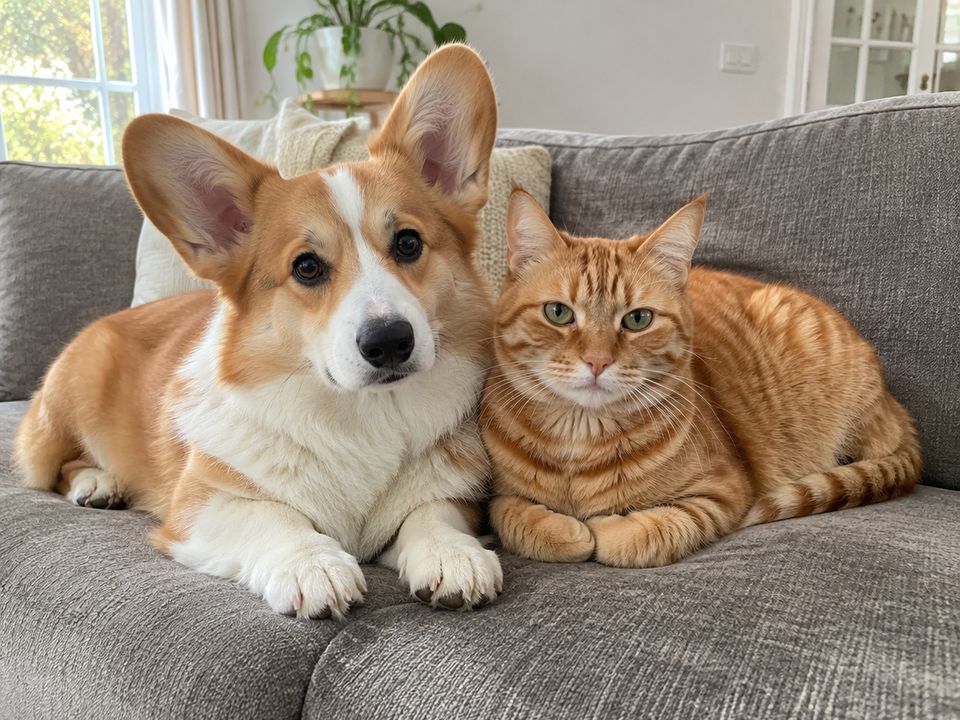
1. Give each pet a name and birthday
Every pet album starts with a name. pawlooks shows the pets it found in your camera roll as groups. Add a name and birthday (a rough one is fine) to each, and every pet gets an album by their own age.
2. Fix only a few wrong photos
Pets with similar coats can get mixed up at first. Fix one photo and similar ones are fixed too, so you don't move every photo by hand.
3. Merge a pet split in two
A pet can look so different as a baby that they show up as two groups. Merge them from the pet's profile and they become one album.
4. Same steps when a new pet arrives
A new pet's photos show up as a new group. Add a name and birthday and they get an album the same way.
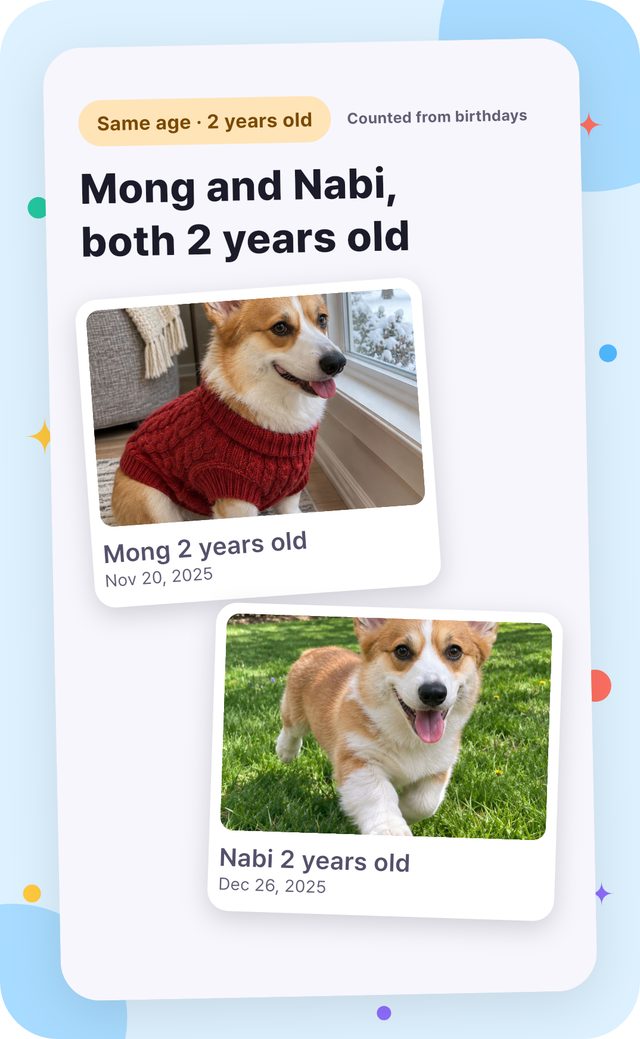
How it looks in pawlooks
FAQ
Can it keep several pets separate?
Yes. pawlooks sorts several dogs and cats, and each pet gets their own albums and bookshelf.
Do dogs and cats in the same home work?
Yes. pawlooks finds both dogs and cats and keeps each pet separate.