 pawlooks
How to make a puppy or kitten growth album by age
Updated
A growth album is easiest to flip through when photos are grouped by how old your pet was, not by the date they were taken. Set a birthday (a rough one is fine), group photos by months and years old, and close each year as one book.

1. Set a birthday (a rough one is fine)
Grouping by age needs a birthday to count from. If you adopted and don't know it, count back from the age you were told and pick a rough month. Write down the day they came home too. It makes a lovely second anniversary (a gotcha day).
2. Give each photo an age
Subtract the birthday from the day a photo was taken. Count in months for the first year and in years after that, and growth becomes easy to see.
- 2, 3, and 6 months: they change fastest, so split by month.
- 1, 2, 3 years…: one group per year.
- Now: keep the latest photos together.
3. Pick one photo a month
Dozens of photos a month are hard to revisit. Pick the best one from each month and you can flip through years in a few minutes.
4. Close each year as one book
Book 1 runs from birth to 1 year, Book 2 from 1 to 2 years, and so on. Your pet’s bookshelf grows by one book a year.
With pawlooks
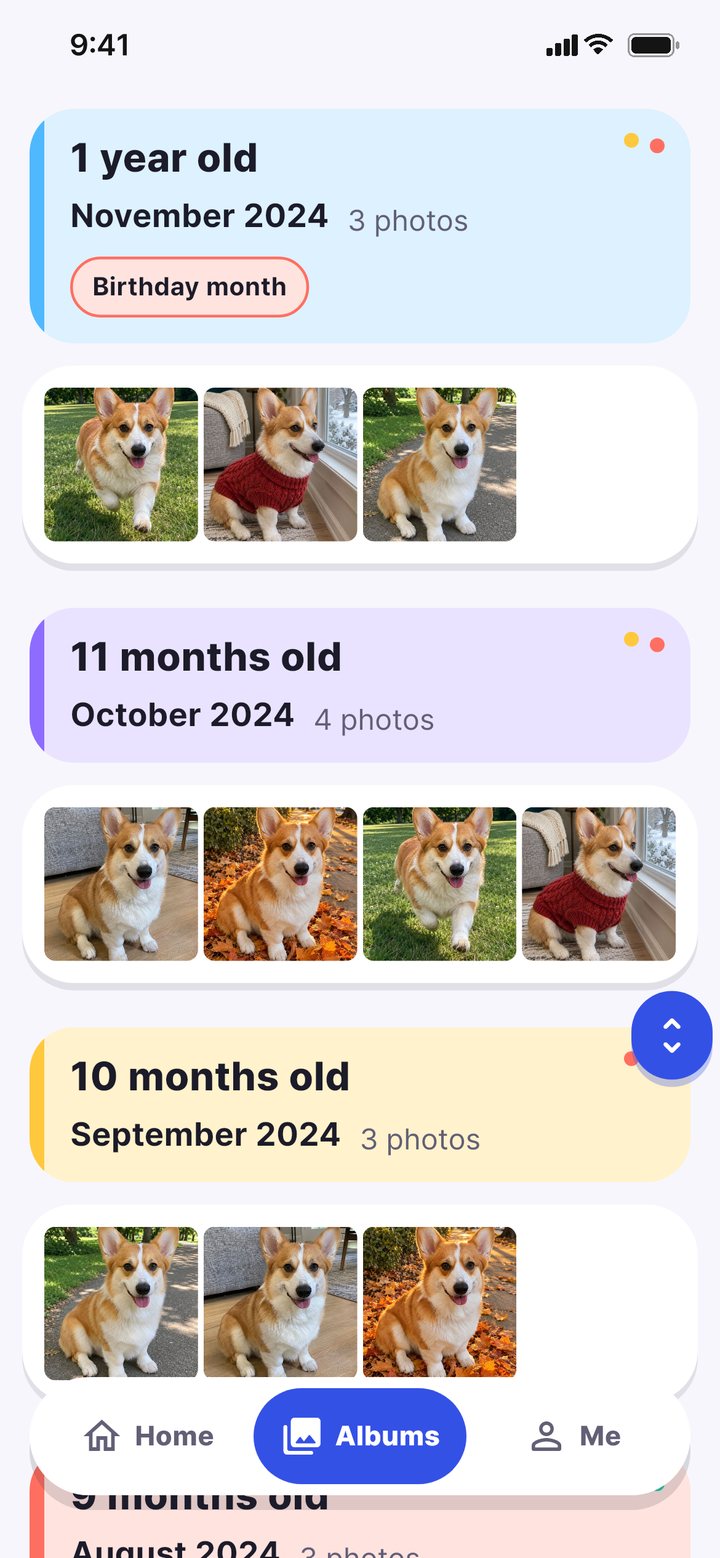
pawlooks does this for you. It finds your pet's photos in your camera roll on the phone, and once you add a name and birthday, everything from 2 months old to today is in age order. It picks the best photo of each month and binds each year of age into a book. Viewing each book and binding it with the basic cover is free.
How it looks in pawlooks
FAQ
I don't know my dog's birthday. Can I still make an album by age?
Yes. A rough birthday (just the month) is enough to group by age, and if you change it later the album is regrouped.
How many photos should a growth album have?
One a month for the first year, then a few each season, keeps each book from getting too long.