 pawlooks
Full or limited photo access: which should you choose?
Updated
Limited access is fine: the app sees only the photos you pick. But an app that finds your pet automatically can only find them in the photos it can see. Check whether the app sends photos to a server first, and if you trust it, choose full access.
The difference
| Full access | Limited access | |
|---|---|---|
| What the app can see | Your whole library | Only photos you pick |
| New photos | Visible right away | Visible after you pick them |
| Automatic finding | Across the whole library | Only within your picks |
Check before you choose
- Does it analyze photos on a server or on the phone?
- Does the app description or privacy policy say where photos go?
- Does the app still work with limited access?
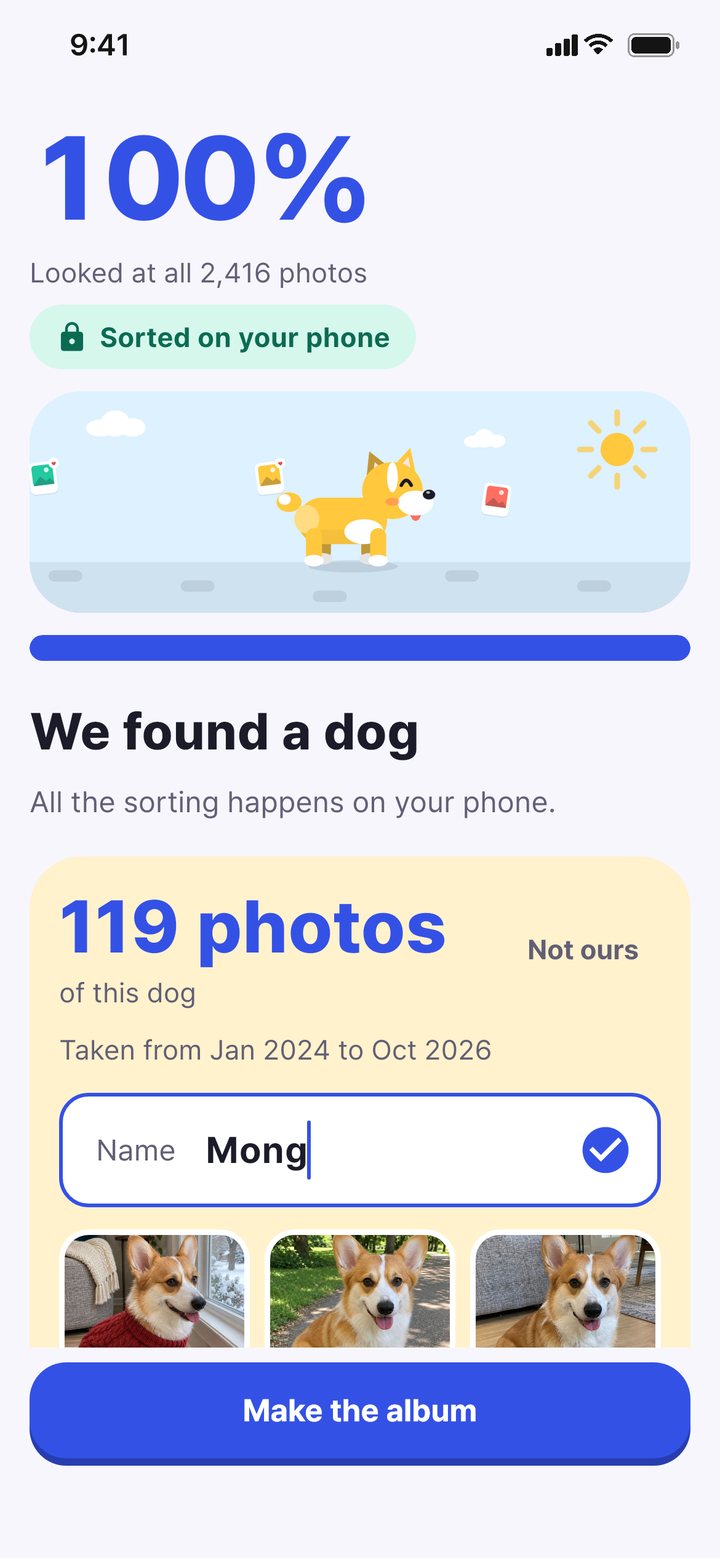
pawlooks finds and sorts your pet only on the phone and doesn't send photos to a server to analyze them. It works with limited access, and it explains why full access helps before it asks.
How to change it later
- iPhone: Settings › Apps › pawlooks › Photos › Full Access ("All Photos" on iOS 17)
- Android: Settings › Apps › pawlooks › Permissions › Photos and videos › Always allow all
In pawlooks, you can see and change it under Me › Settings › Photo access.
How it looks in pawlooks
FAQ
Can I use pawlooks with limited access?
Yes. It looks for your pet in the photos you allow, and you can add more any time.
If I give full access, do my photos go to the company?
Not with pawlooks. Analysis stays on the phone, and only photos you choose to share, like with family, leave it.