 pawlooks
Keeping your pet's photos after they pass away
Updated
First, make sure the photos don't live in only one place by keeping a second copy. Then gather the scattered photos in one place and decide whether you want birthday or anniversary reminders, so you can look back slowly when you're ready.
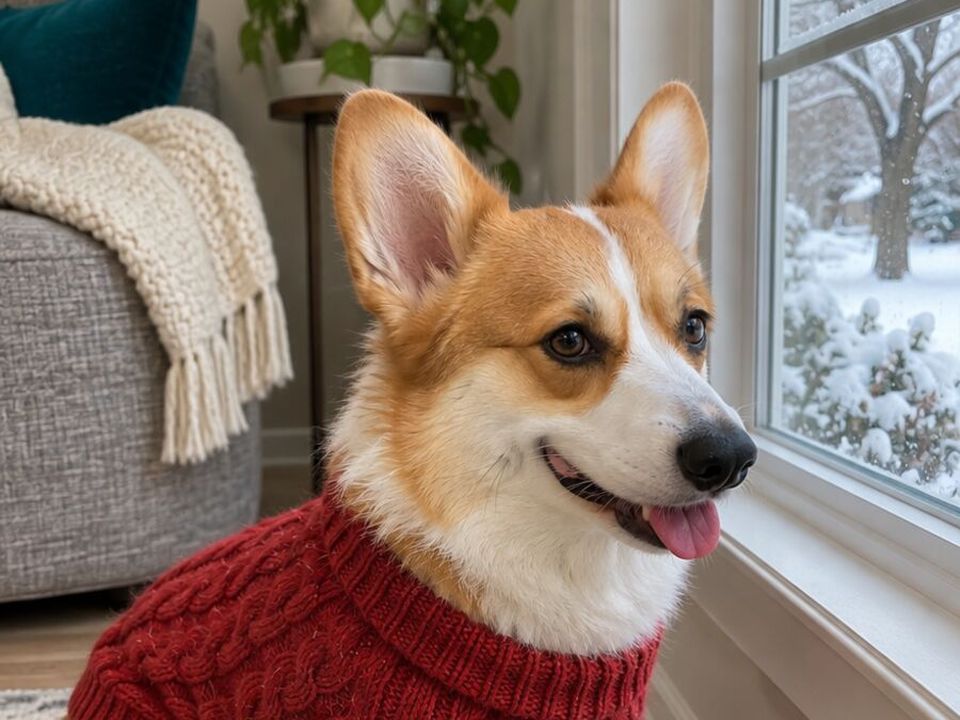
1. Keep a second copy
If a phone is lost or replaced, the photos can go with it. Keep a second copy on a computer, an external drive, or a cloud you already use. It is a good time to gather photos from family phones as well.
2. Gather scattered photos in one place
Photos spread across your camera roll, chats, and family phones are easier to find in one album. Grouping by how old your pet was, rather than by date, shows the whole time you had together.
3. Decide on reminders
A birthday reminder that arrives out of nowhere can hurt. Decide ahead whether to keep reminders or let them go quiet.
In pawlooks
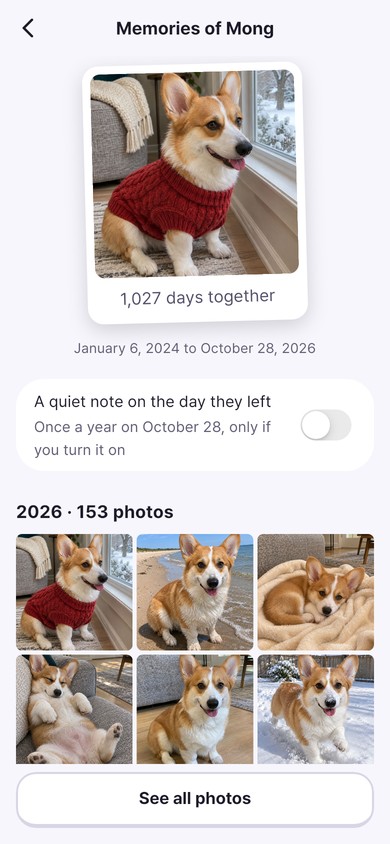
When you mark a pet as having crossed the rainbow bridge in pawlooks, birthday celebrations and countdowns quietly stop. Their photos and days together stay in the album, and a reminder on the day they left goes only to those who want it.
How it looks in pawlooks
FAQ
Are photos deleted when I mark a pet as passed away?
No. In pawlooks the photos and albums stay; only birthday celebrations and countdowns stop.