 pawlooks
How do I take better photos of my pet with my phone?
Updated
Get down to your pet’s eye level, shoot near a window in soft daylight, and keep the focus on their eyes. Use a treat or a small sound just above the lens to get their attention, turn off the flash, and use burst shots or video for moving pets.
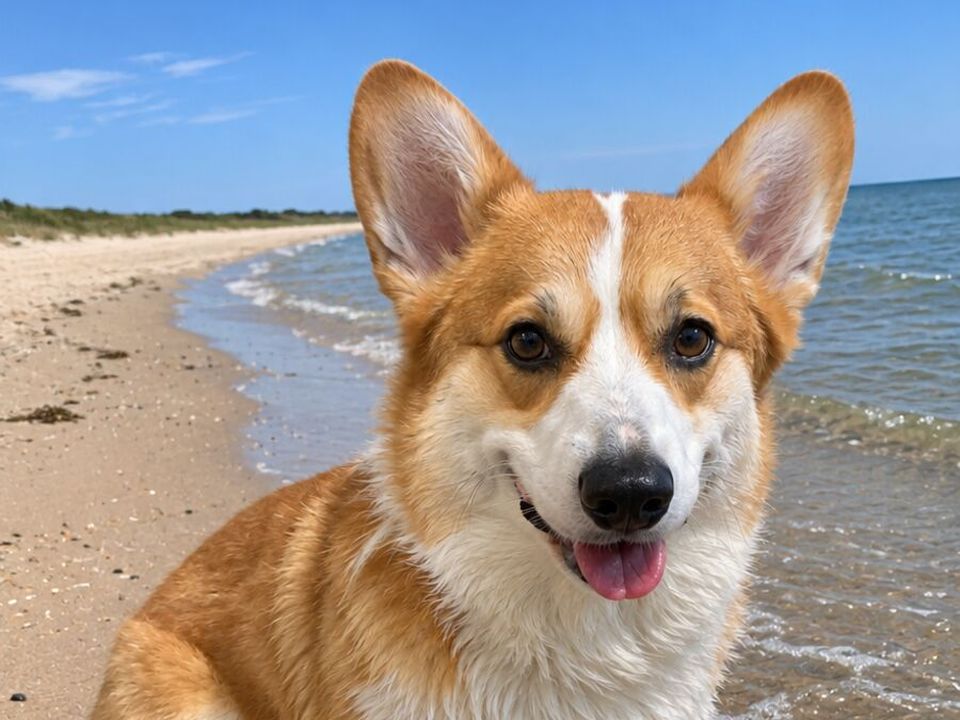
12 phone photo tips for dogs and cats
- Get on their level. Sit or lie on the floor so the camera is at your pet’s eye height.
- Use soft daylight. A spot near a window or a shady patch outside beats indoor lamps.
- Turn off the flash. It can startle pets and makes their eyes glow.
- Tap to focus on the eyes. Sharp eyes make a photo feel alive even if the rest is soft.
- Hold a treat or make a small sound just above the lens so they look at the camera.
- Use burst mode for running, jumping and playing, then keep the best frame.
- Record a short video when they’re very active. You can save a still from it later.
- Play first, shoot after. A slightly tired pet sits still longer.
- Wipe the lens. Pocket lint and nose prints make photos look hazy.
- Clear the background. Move shoes, cables and laundry out of the frame.
- Use portrait mode with care. Check the edges of fluffy fur and whiskers.
- Take lots of photos and keep few. Delete blurry shots while you still remember the moment.
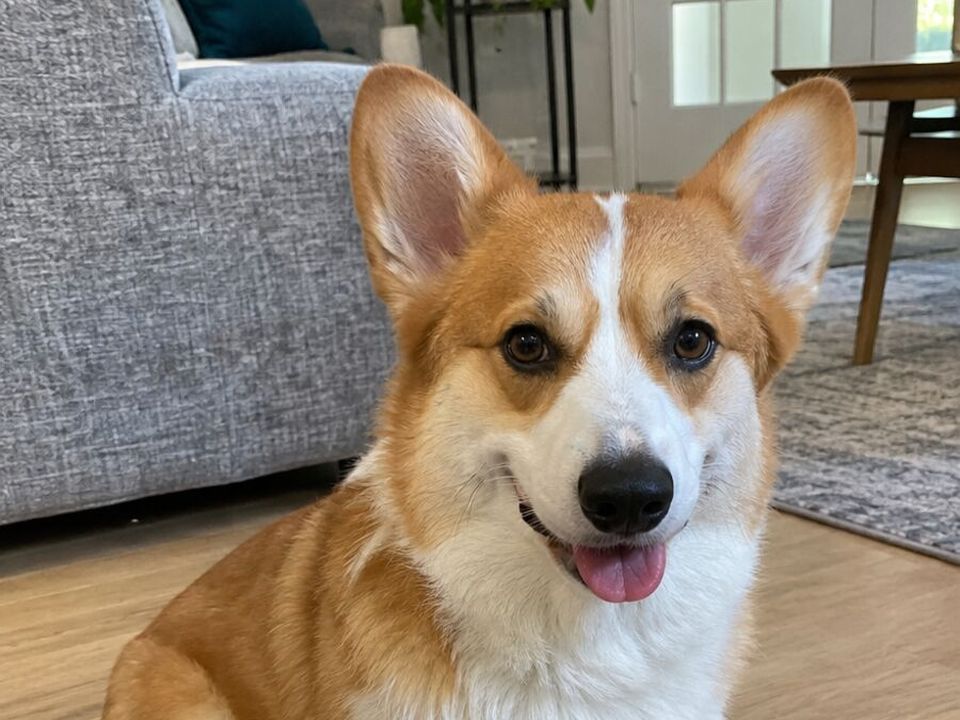
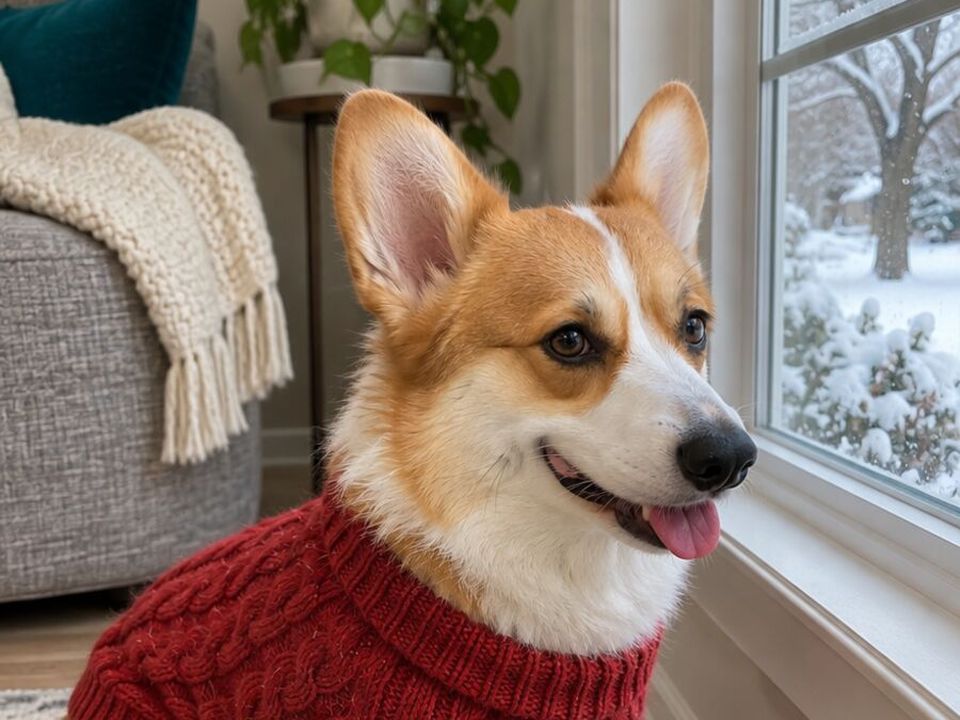
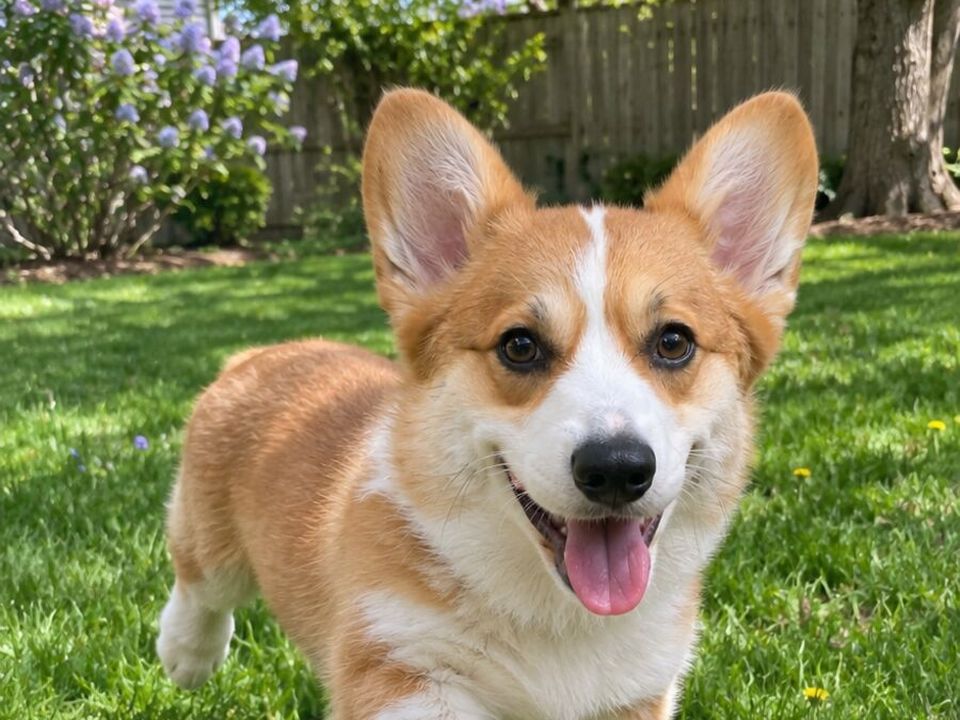
Dogs vs. cats
| Dogs | Cats | |
|---|---|---|
| Best time | After a walk or a play session | When they’re relaxed in a favorite spot |
| Getting attention | A treat, a squeaky toy, their name | A feather toy or a soft rustle near the lens |
| Setting | Outside in open shade | Near a sunny window or on their favorite blanket |
| What to avoid | Calling them over and over | Picking them up and moving them |
Photos worth taking every year
- A birthday or gotcha day photo in the same spot every year.
- Next to the same toy or person, so you can see how they’ve grown.
- Everyday moments: sleeping, waiting at the door, their favorite walk.
- Close-ups of paws, nose and ears.
After you take them
Pet photos pile up fast between screenshots and everything else in your camera roll. Pick a few favorites each month so the good ones don’t get lost.
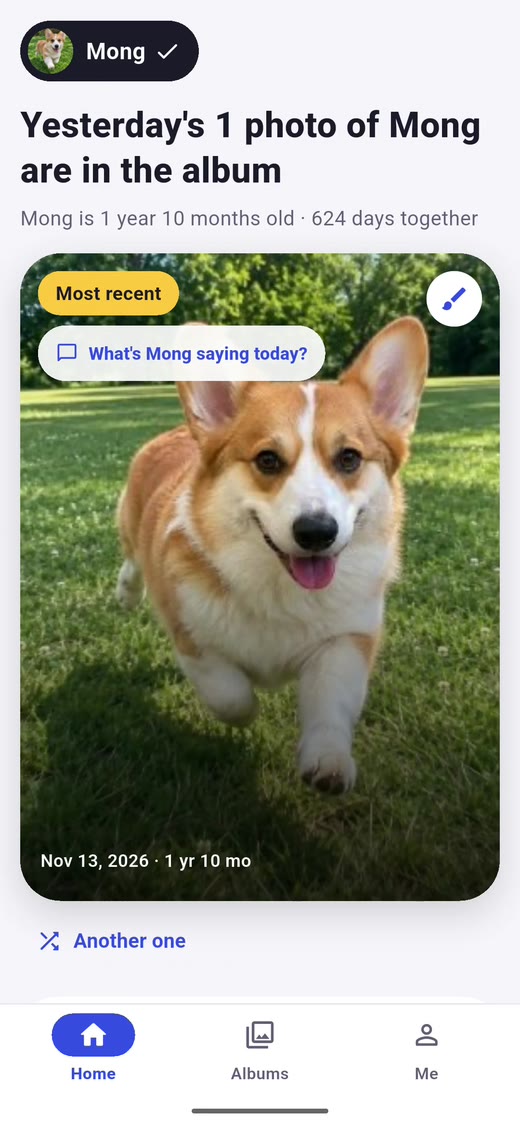
pawlooks finds your dog and cat photos in your camera roll on your phone and binds them by your pet’s age, leaving screenshots out. You can also save a frame from a video as a photo. The sorting happens on your phone.
How it looks in pawlooks
FAQ
How do I get my dog to look at the camera?
Hold a treat or a squeaky toy just above the lens, make a small sound, and take the photo the moment they look up.
Why do my pet’s eyes glow in photos?
A flash or bright light reflects off a layer at the back of dogs’ and cats’ eyes. Turn off the flash and use daylight instead.
How do I take photos of a black dog or cat?
Use bright, soft daylight, avoid dark backgrounds, and tap on their face so the phone exposes for the fur.
Should I use portrait mode for pets?
It can look great for a still pet, but check the edges of fur and whiskers. For moving pets, use the regular camera with burst shots.